TYPO3 is an enterprise-class, open source content management system, used to build and manage websites of all types. One of the great things about TYPO3 is that one can add new types of content elements fairly easily. Say, for instance, a feedback button for your visitors and customers. We are working on a plugin, but in the meantime, here are the needed steps to include Usersnap – the visual bug tracker for web development – into your Typo3 site.
- Log into your backend
- Left Menu: Click on “Template”
- Select your start page (earth icon)
- Select “Info/Modify” in the Dropdown menu of the template
- Click on the edit button next to setup (pencil icon) – it’s the last entry in the table
- A editor opens, insert this code (with your Usersnap snippet) at the end:
page.footerData.9999 = TEXT
page.footerData.9999.value (

<script type="text/javascript">

(function() {

var s = document.createElement("script");

s.type = "text/javascript";

s.async = true;

s.src = '//api.usersnap.com/load/'+

'YOUR-API-KEY-HERE.js';

var x = document.getElementsByTagName('script')[0];

x.parentNode.insertBefore(s, x);

})();

</script>

)
Make sure your Usersnap snippet is inserted between the two parentheses () after page.footerData.9999.value. The snippet (and the tools available under the feedback button) can be customized using the Usersnap configurator.
Next time you’ll open your Typo3 page, you’ll notice the feedback button. Make sure to try it out and send an annotated screenshot to your inbox (or to the project management / customer service tool, you’ve selected in your Usersnap dashboard). Nifty, huh?
Happy developing!
Trust what AI tells you about your customers
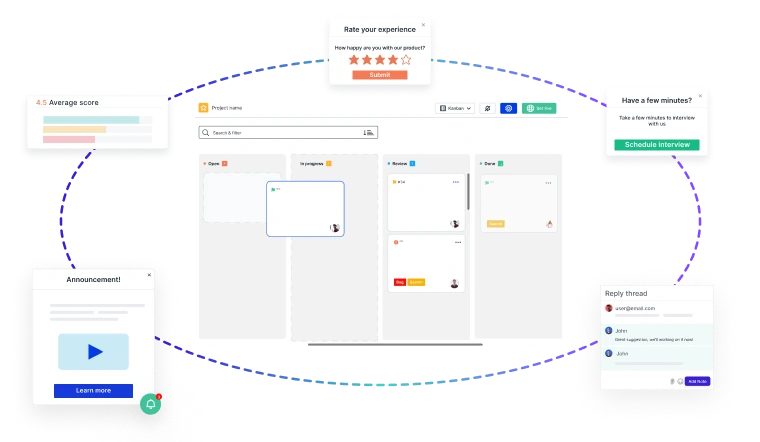
Most product teams have been burned by an AI summary nobody could trace back to a real customer. Usersnap scopes every AI output to the evidence actually collected in your workspace, so each insight, hypothesis and sentiment score links back to the comment that produced it.
- Open the source behind any claim, instead of guessing what the model assumed.
- Keep your data yours. Customer data is never used to train AI models, and AI features can be switched off per account.
- Stay inside the EU. GDPR compliant, hosted on AWS in Frankfurt and Ireland.
Put it against your own feedback before you commit. Start free or book a demo with our team.
