.svg)
AI-powered product evidence analysis
From raw signal to evidence you can trace
Calls, tickets, and in-app comments, tagged by topic and sentiment and linked to source. AI analysis is included on Professional plans and above, and available as an add-on on Starter and Growth.
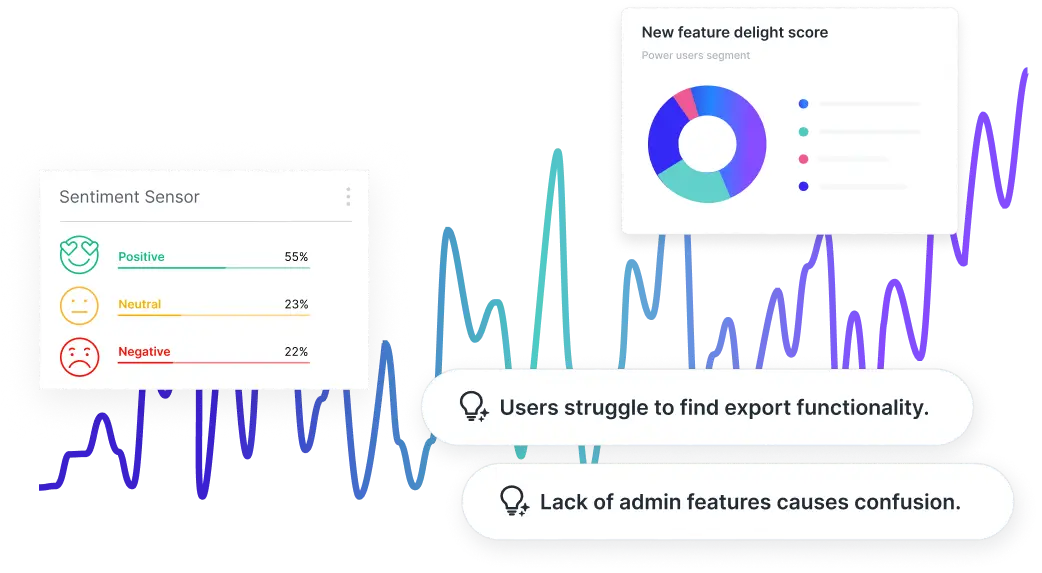
Centralize user evidence for smart discovery
Turn everyday customer conversations into structured product insights.

Channels data ingestion
Connect call tools and support platforms as Channels, so conversations land in your project continuously, not in someone's notes.
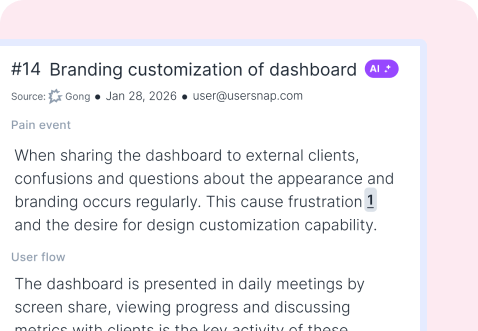
AI feedback extraction
AI pulls pain points, themes, and ideas out of each conversation and turns them into structured feedback items in your project.
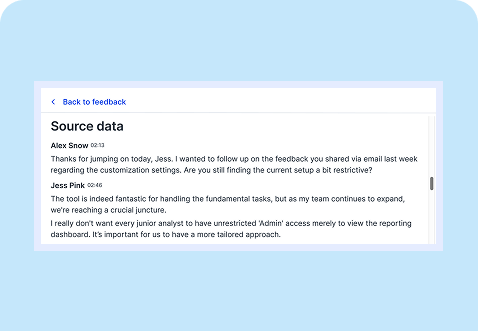
Source-linked insights
Usersnap traces generated insights back to the original source: each sentiment trend and hypothesis opens the exact feedback items behind it.
Surface high demand and impact trends
AI sorts feedback into topics on arrival, so nobody triages the pile by hand first.
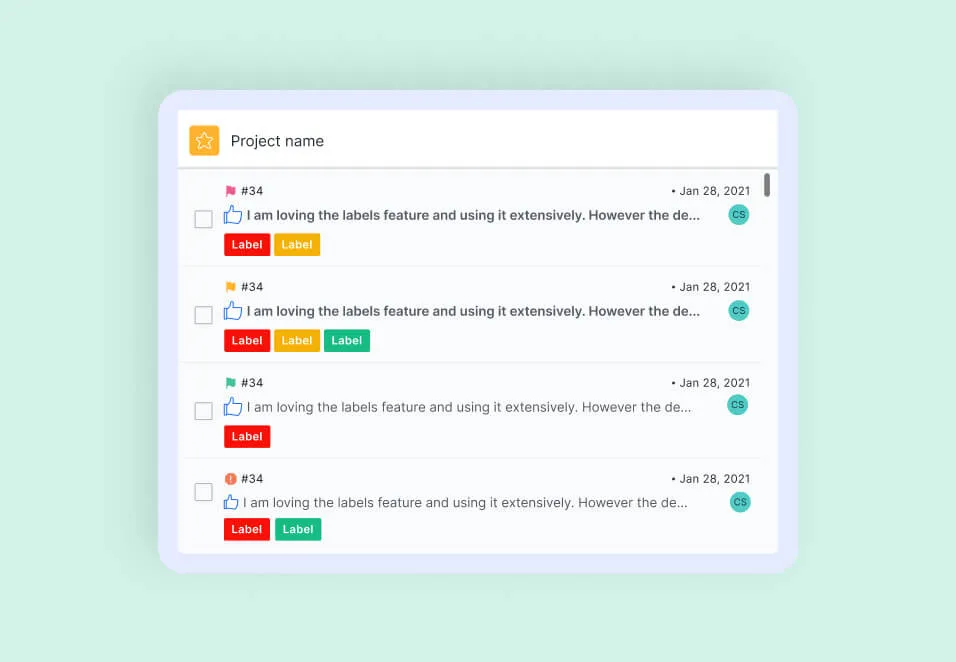
Auto labelling
Group feedback into labeled themes and sentiments. Add your product context and topics so AI labels match how your team talks.
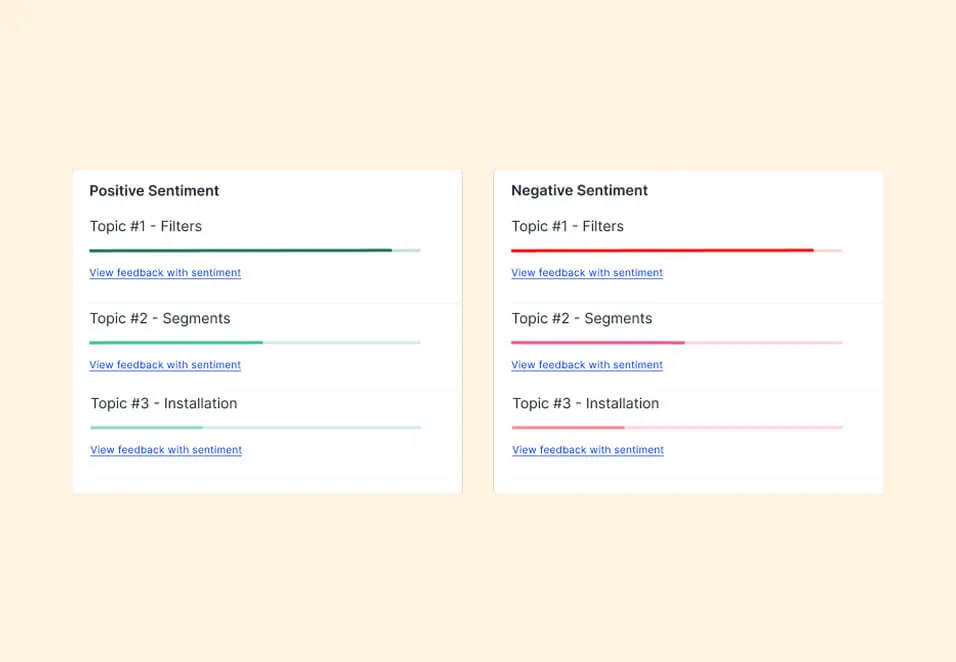
Positive vs. negative topics
See the top and bottom topics by sentiment and open the items behind each. Fix what hurts, build on what works.
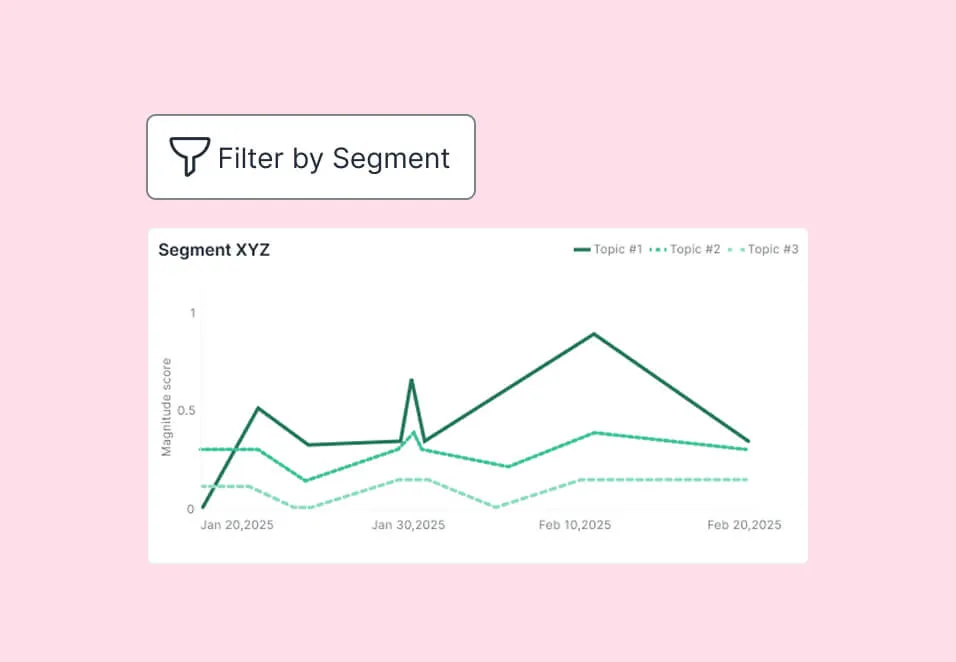
Actionable trends
Track requests and sentiment by user segment, and catch a trend while it is still small.
Move from a pattern to a hypothesis to a solution
Usersnap builds AI output from the feedback you collected, and each step shows the items behind it.
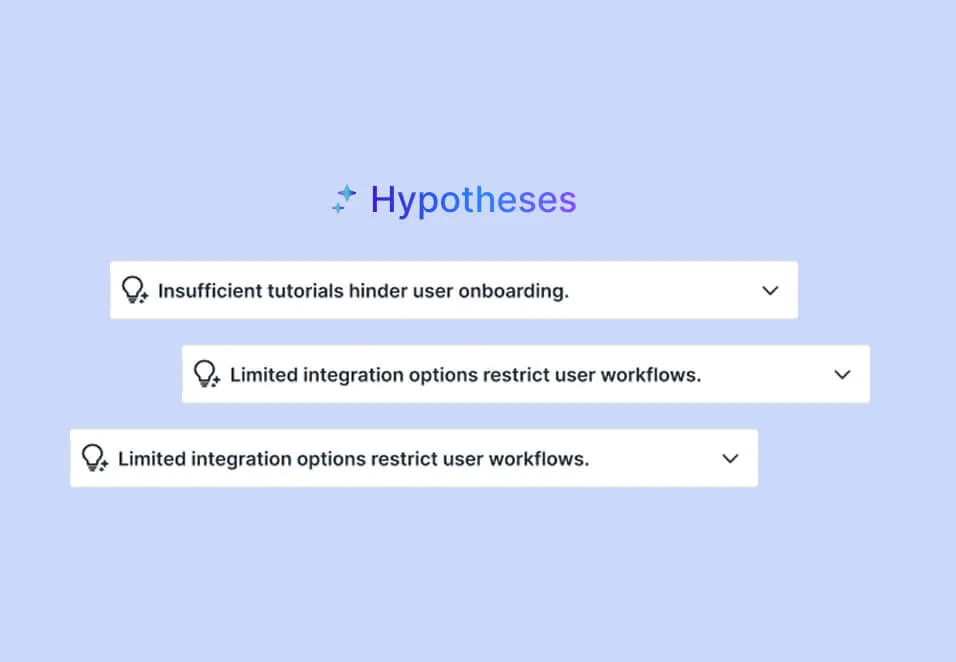
Hypothesis Generator
Usersnap generates product hypotheses and solutions from collected customer evidence, listing the items behind each hypothesis.
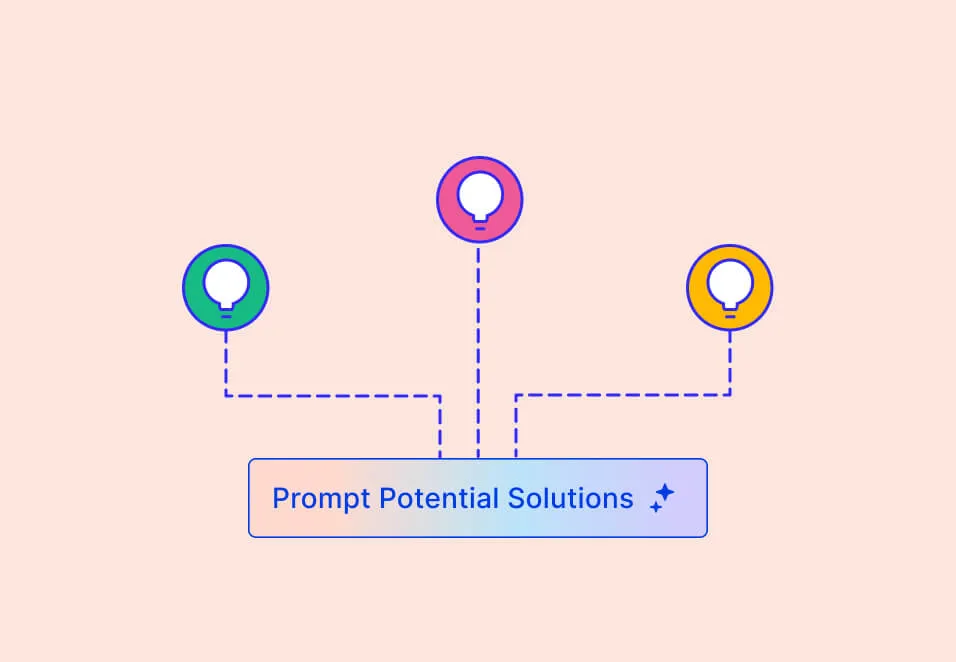
Solution Generator
Accept a hypothesis and Solution Generator drafts directions with its reasoning. Turn one into an opportunity in a click.
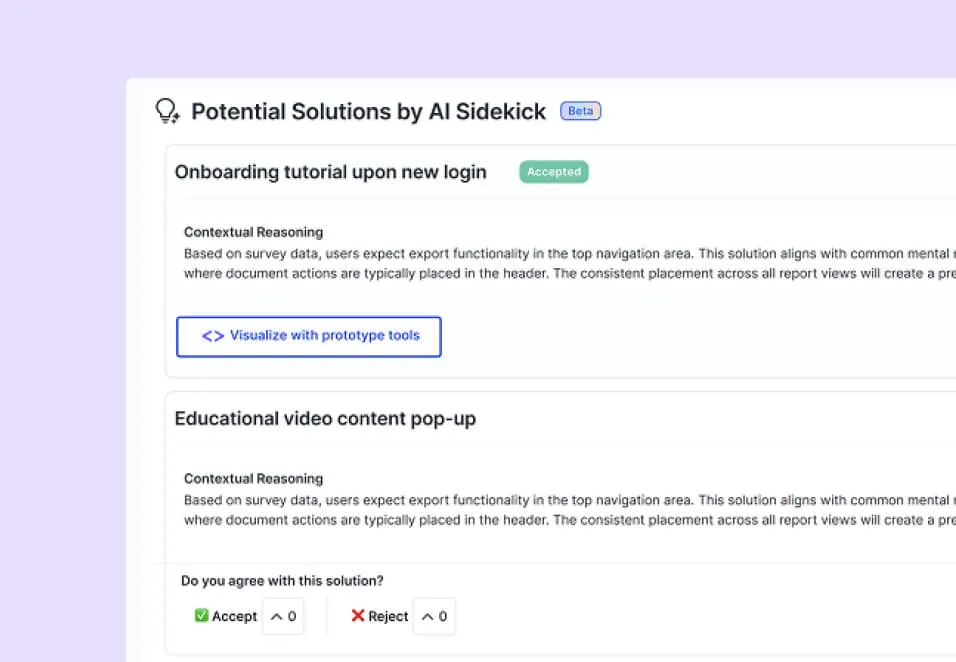
Prototype with Alloy
Usersnap turns the evidence into a prototype prompt and hands it to Alloy, which generates the visual concepts. The evidence stays attached.
Keep a live pulse on product impact
Quickly identify patterns and opportunities in the insights dashboard.
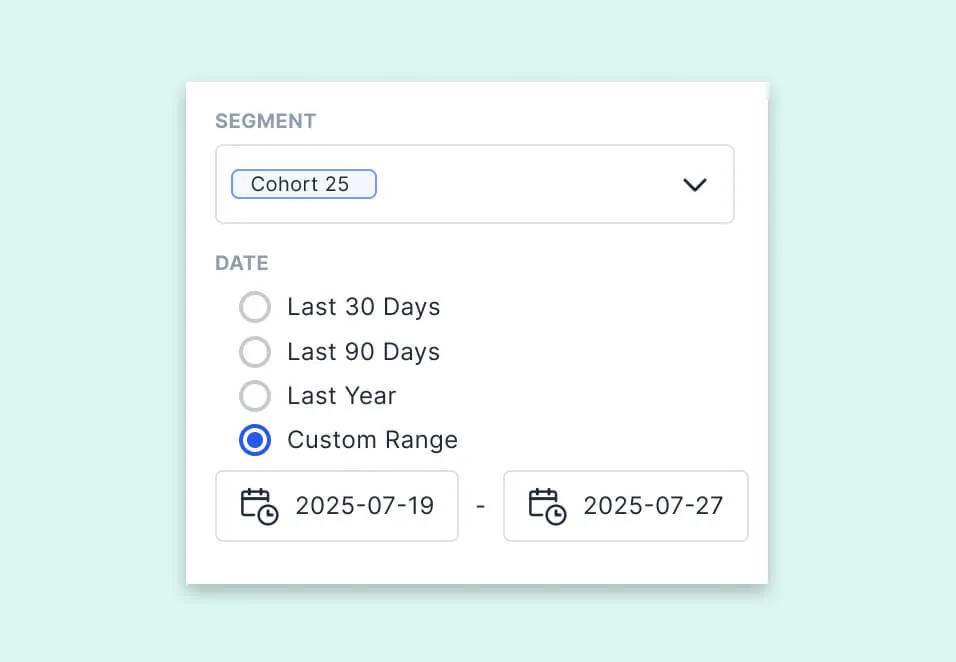
Segment analysis
Filter insights by user segment to see which issues hit which customers.
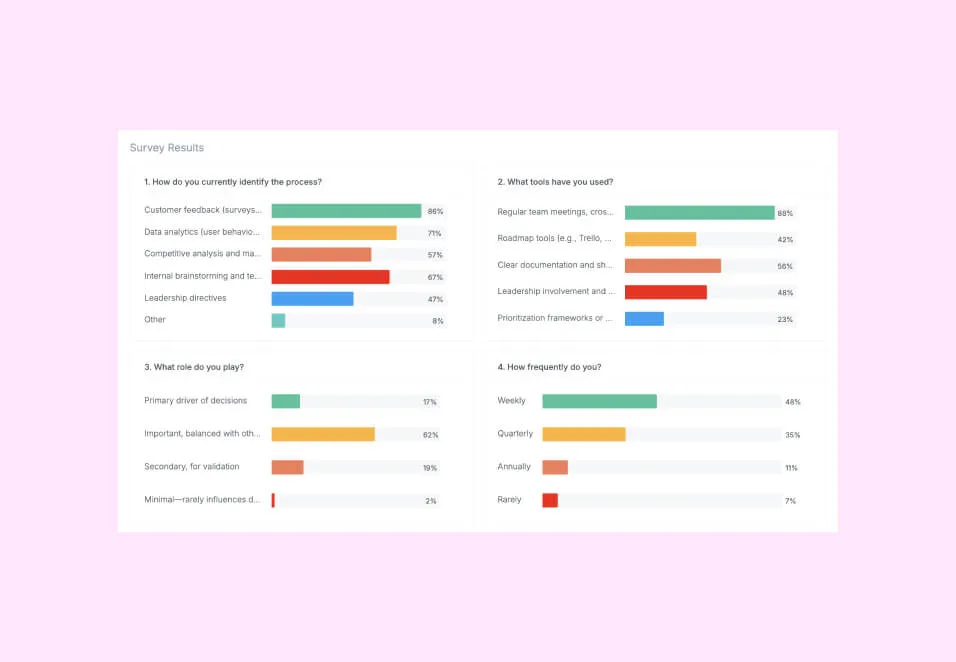
Clear discovery results
Explore charts, survey responses, and topics, then click from a trend down to the feedback items behind it.
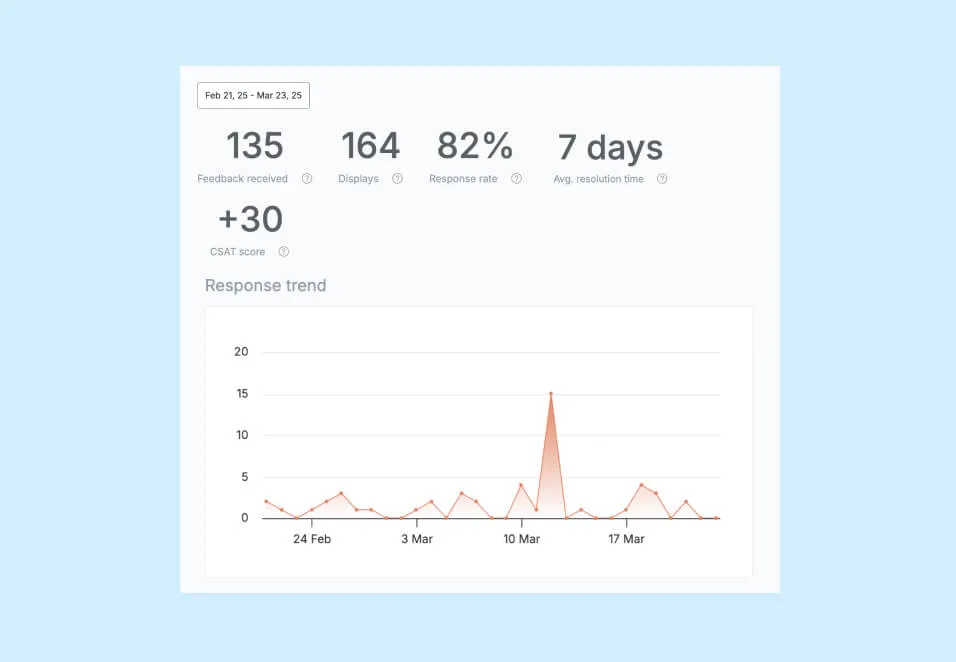
User-centric metrics
Track NPS, CSAT and CES by segment and over time, next to the feedback that explains them.
Feedback analysis your team can act on

Joscha Feth,
Lead Engineer


Andre Lefort,
VP of Technology


Tony Stillwell,
Product Director


Annie Ng,
Growth Lead


Gosia Pryc,
Product Manager