We are happy to announce new features for our Usersnap Chrome Extension! We added a new keyboard shortcut to the chrome extension, as well as an update for managing the browser tabs.
New Keyboard Shortcut
We added a new shortcut (default: Alt + U) to the Chrome extension which lets you open the extension in a very simplistic way. Instead of clicking on the extension icon you can open Usersnap by pressing “Alt + U” (or any other shortcut of your choice). Find the option in the extension options by right-clicking on the Usersnap icon.
The added feature is particularly helpful for annotating mouse-over popups, dropdown boxes or any other pull-down menu. By using the shortcut you can now annotate all these “dynamic contents”.
Tab Update
With the updated Chrome extension we improved the behaviour of the extension. If you open the Usersnap extension by clicking the extension icon in your browser, the screen for your annotations will now open in a tab right next to your opened browser tab. After finishing your annotations you are redirected to your “old” browser tab which allows you to continue browsing the web just where you stopped beforehand.
Do you miss any features?
If you have any feature ideas, don’t hesitate to contact us: help@usersnap.com or leave us a tweet @usersnap.
You don’t have the Chrome extension installed?
Visit the Chrome Web Store and download the Usersnap browser extension.
Trust what AI tells you about your customers
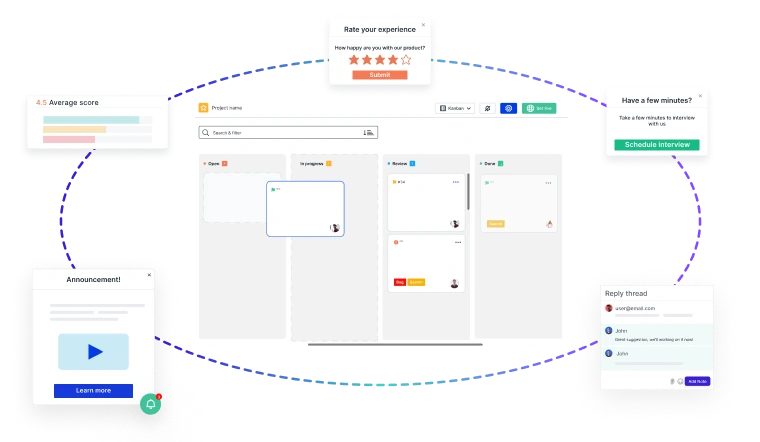
Most product teams have been burned by an AI summary nobody could trace back to a real customer. Usersnap scopes every AI output to the evidence actually collected in your workspace, so each insight, hypothesis and sentiment score links back to the comment that produced it.
- Open the source behind any claim, instead of guessing what the model assumed.
- Keep your data yours. Customer data is never used to train AI models, and AI features can be switched off per account.
- Stay inside the EU. GDPR compliant, hosted on AWS in Frankfurt and Ireland.
Put it against your own feedback before you commit. Start free or book a demo with our team.
