.svg)
Two-way Intercom integration: never miss a beat
Pull Intercom conversations in as discovery evidence. Push Usersnap's visual product feedback back as rich tickets. Insights and relationships, running in parallel.
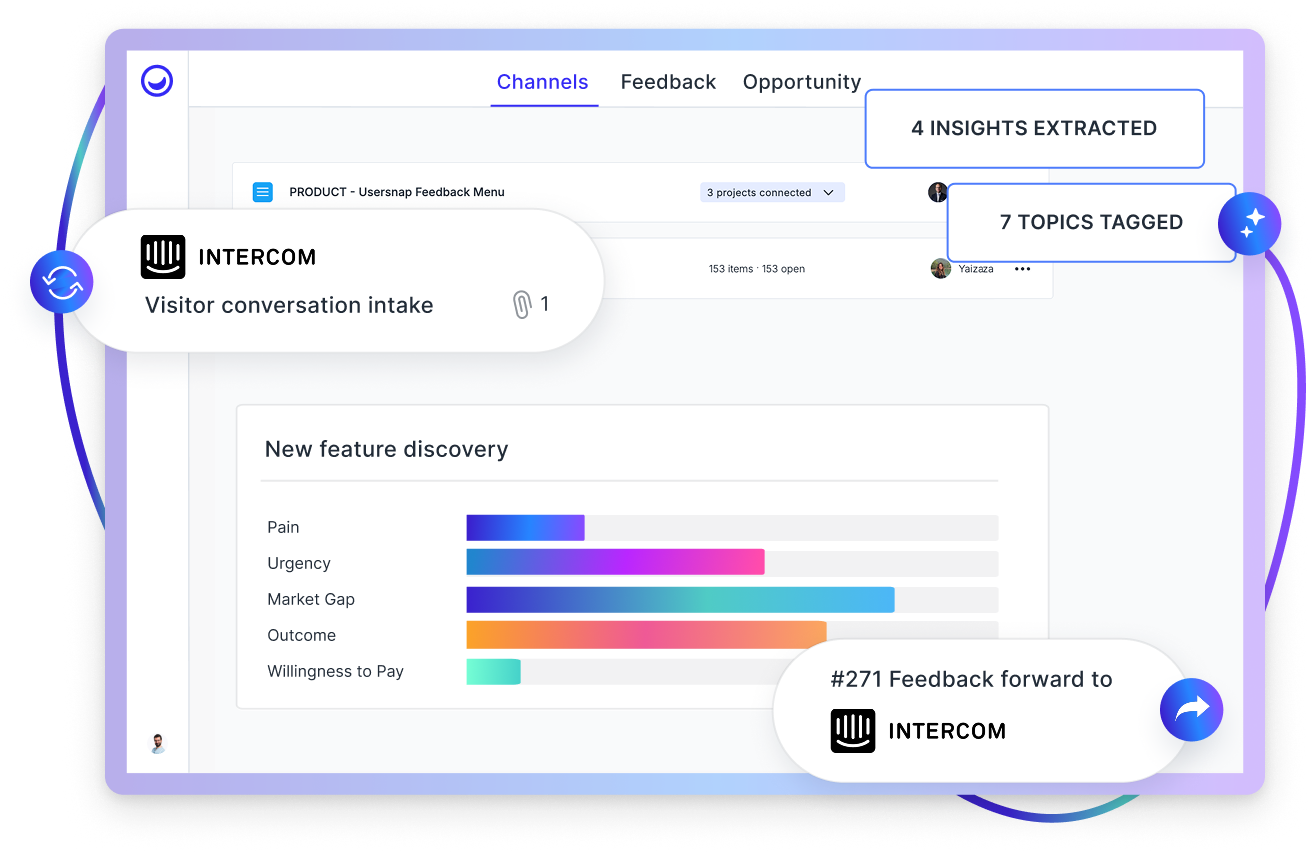
Catch every beat of the customer conversation
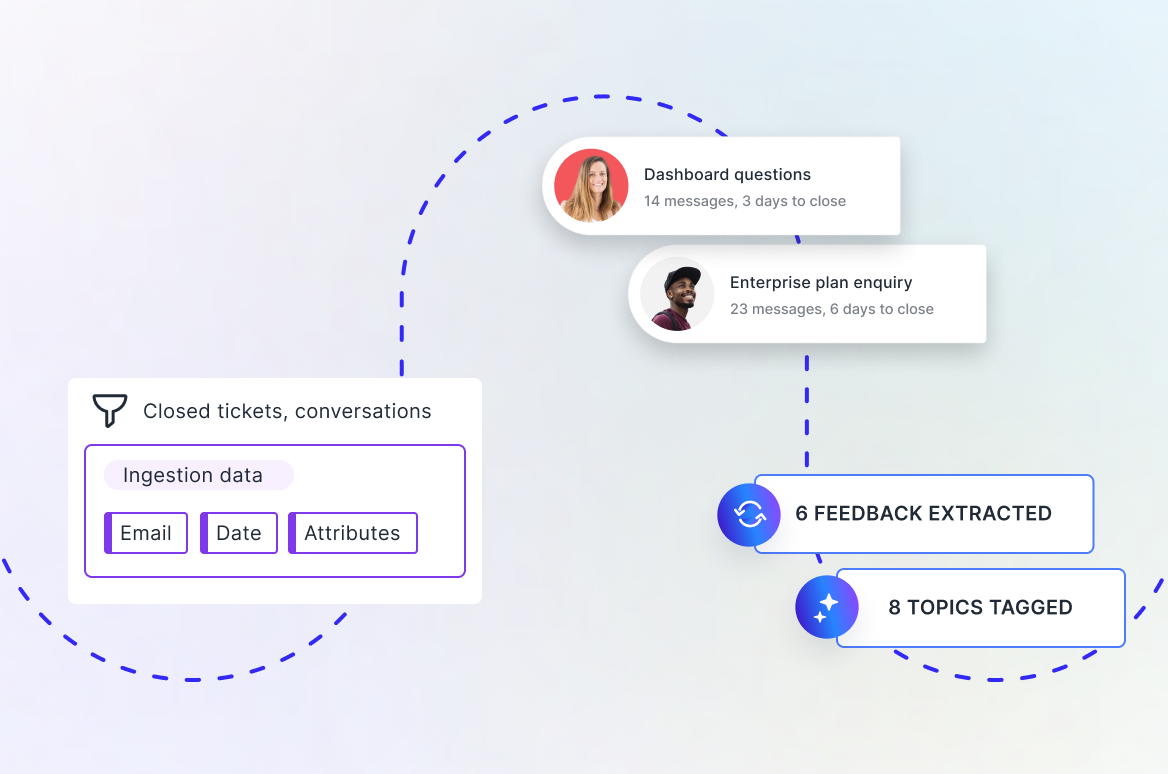
Connect Intercom as a channel and Usersnap automatically pulls in selected tickets and conversations, turning raw support interactions into structured discovery insights your product team can actually act on.
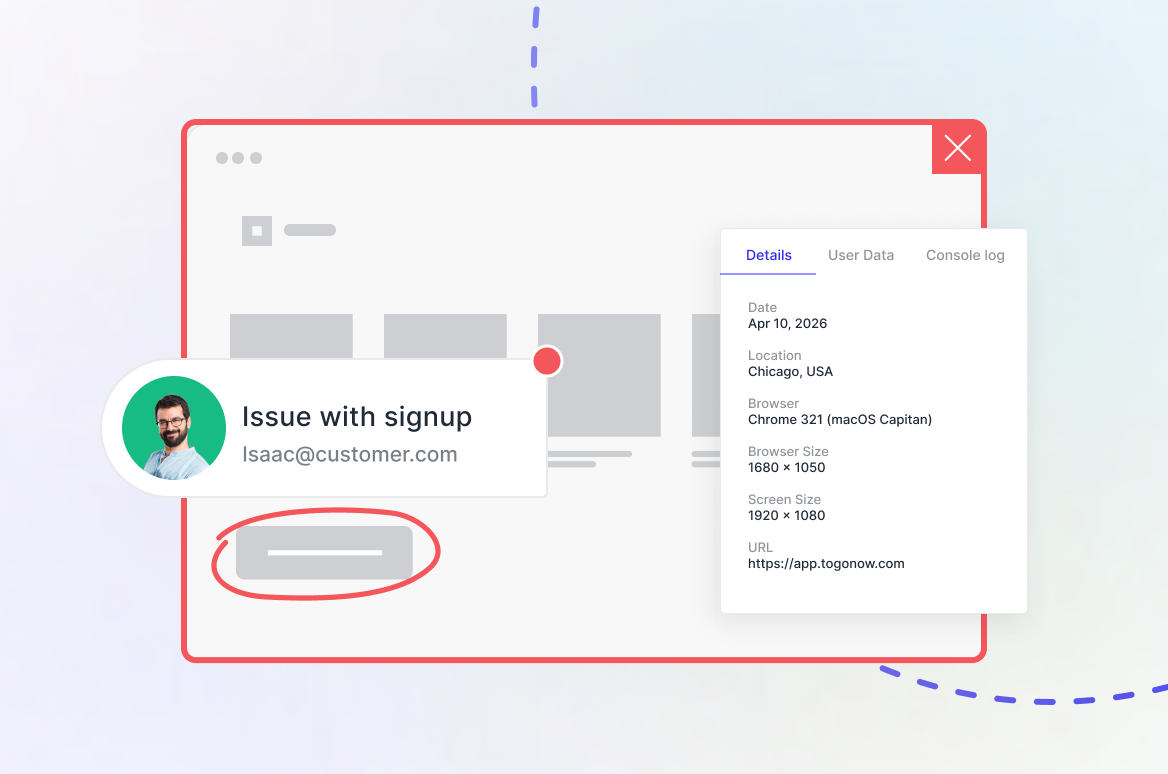
Forward screen-capture product feedback to Intercom and continue the beat
Embed the Usersnap widget in your product and let users capture annotated screenshots, console logs, browser metadata, and session context — then route that ticket directly into Intercom. Your support team gets everything they need to resolve the issue without a single back-and-forth.
Support and product insights, finally in rhythm
Every ingested Intercom conversation is transformed into structured user evidence: highlights of problems, friction, recurring patterns, and unmet needs. Teams can quickly grasp what's driving support volume without reading through hundreds of threads.


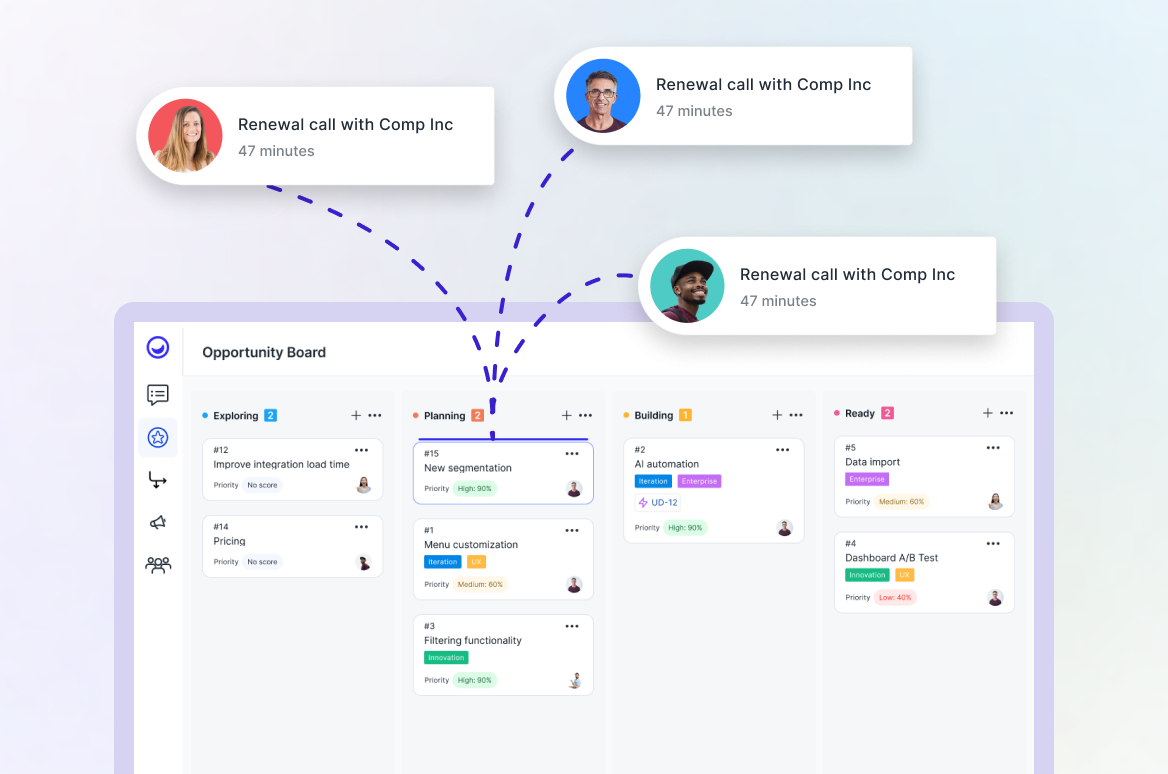
Find opportunities you can prioritize
Create product opportunities directly from support conversations and link supporting evidence to build a strong case. Evaluate impact, urgency, and effort with full context — so that prioritization becomes clear and aligned.
“Usersnap has shortened our customer support cycle. Visual feedback really helps us understand and iterate faster.”
.webp)


“Beta users report what they think is broken, when in fact it could be the feature not working as they expected. This helps us understand why the product is not satisfactory.”


“How to bring value to the end users is what the teams thrive for. And Usersnap helps us get the feedback and evidence we need to keep moving.”

.svg)
“Usersnap gives us insights on our users’ pain points, top requests, and use cases. It helps us to prioritize new features and figure out how to best provide value for Tango users.”
.webp)
.webp)