.svg)
Product feedback features
From reporting issues to triaging suggestions all in one


Screen capture is the best communication
See exactly what went wrong and resolve issues for users faster.
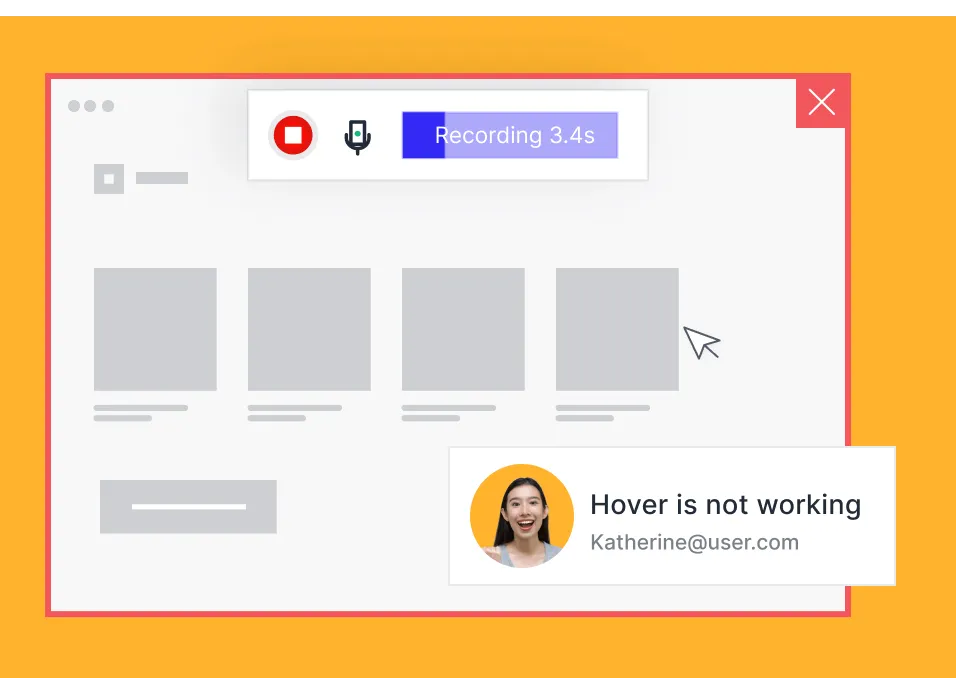
Capture UX issues with videos
Launch the screen and audio recorder from the feedback widget to capture the website experience.
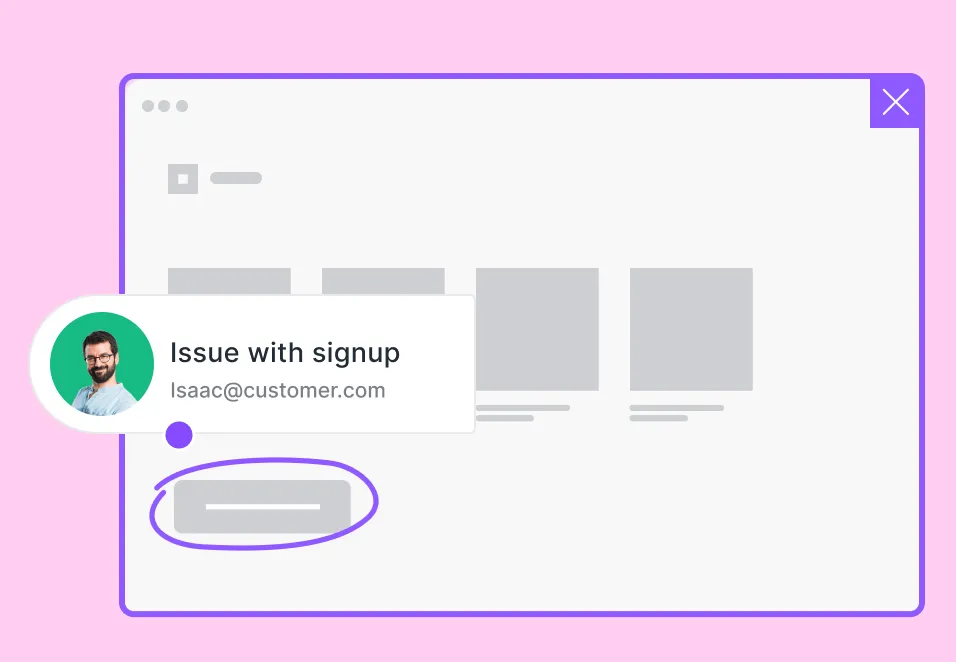
Screenshots with annotations
Snap screenshots and use the annotation tool bar to indicate or comment on the problem.
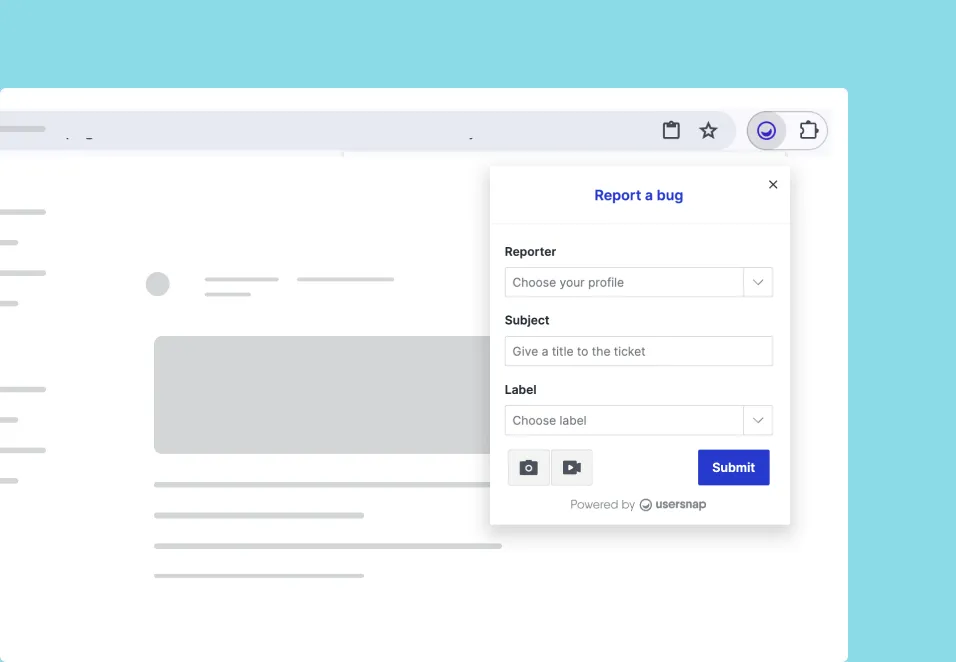
Browser extension
Send feedback from any website. Take screen captures of customer service conversations or sales emails.
Context enrichment fully automated
Ready for troubleshoot with technical information available.
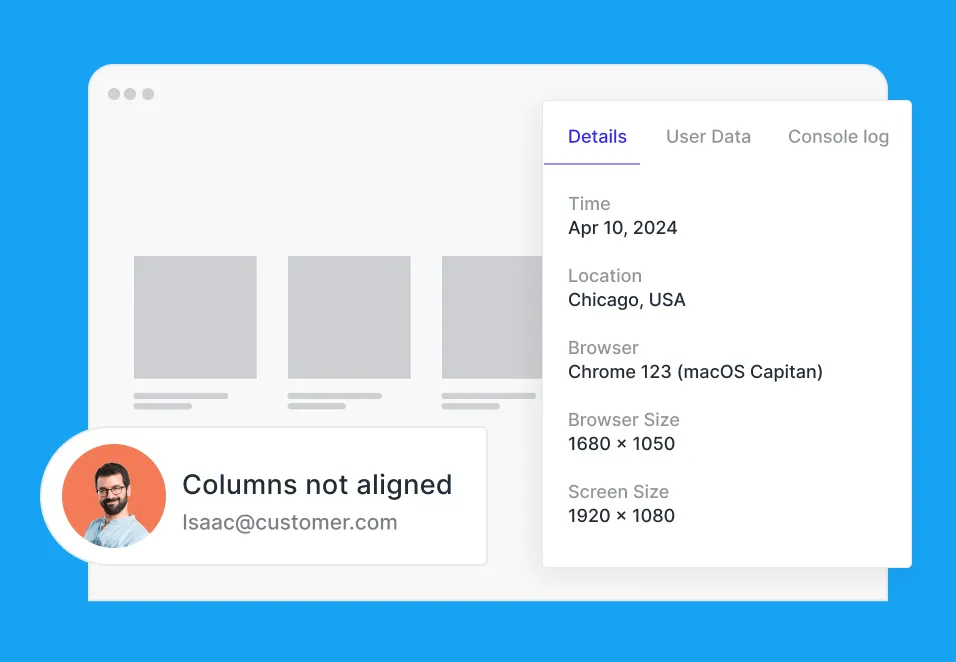
User environment metadata
URL, browser and device data, OS, etc. collected. Website and application data can be passed through automatically.
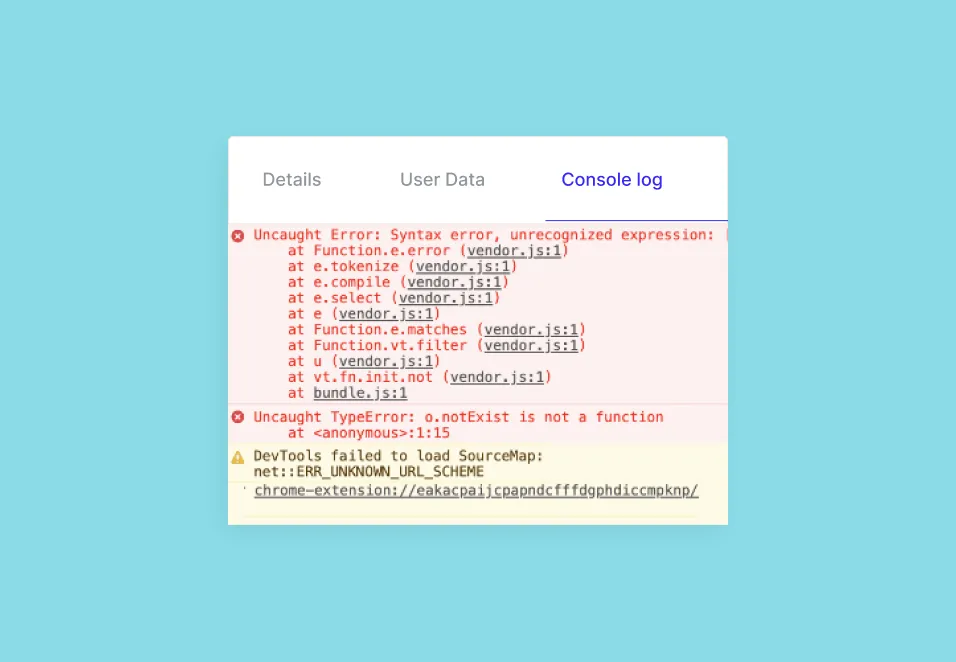
Console error logs
Logs of Javascript errors are captured so that non-technical users can report issues without friction.
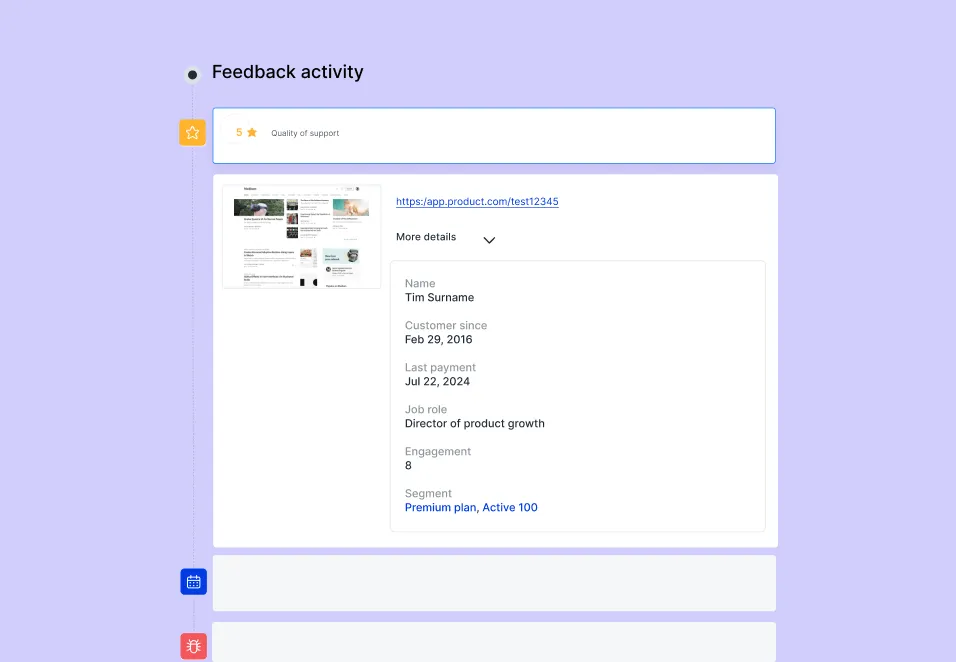
User attributes
Sync any custom attributes that can help you identify users and scenarios better to enrich the feedback context.
Ideas management for continuous improvement
Group and identify trends of issues, ideas, user expectations, and opportunities.

Feedback button & menu
Allow users to navigate to the right feedback form. Encourage ideas submissions and promote beta programs.

Customer request portal
Collect upvotes on feature requests with the public feedback board. Follow-up with customers to get more insights.

Kanban and list views
Create your own kanban columns to track statuses. Work faster through feedback with the split screen list view.
Triage tickets and plan roadmap
Project dashboard features to act on feedback.


Clear overview of each feedback
See the visual feedback, bug report fields, and added assignee, labels, priority all in one view.
Quality insights
View tech metadata, user attributes, and console logs to quickly understand the situation and find a solution.
Categorize with labels
Use labels to categorize feedback into topics or sprints. Enable AI smart labels to automate the process.
Assign, prioritize, collaborate
Resolve feedback with actions. Comment and tag teammates or follow-up with customers in the thread.
Share the ticket tracking board
Allow stakeholders to view the progress of the feedback items they have sent, or a public view of the project.
Ship & build faster with contextual user feedback
Additional features

Installation
Place the global snippet to your HTML code just once to start your feedback adventure. Or use our Wordpress plugin.

Projects and notifications
Each feedback project has its own notification setting for you to focus on the most relevant info.

Pause/live control
Launch or pause your projects from the dashboard. Use the preview mode to test before going live.

Split-screen
Browse and work through the feedback in one clear view.

Branding
Apply your brand’s colors and text fonts. Our public REST API allows you to style the feedback widget however you wish.

Browser extension
The Chrome and Firefox browser extensions allow you to capture and send feedback or ideas on any web page.

Cloud-based hosting
Usersnap is cloud-based so you don't have to worry about installation & maintenance. ISO 27001 and SOC-2 certified hosting centers.

Security (GDPR, CCPA)
We value data safety and fulfill a variety of security measurements. 256-bit SSL protected, 100% GDPR compliant.

Data export
All data of your projects and tickets can be downloaded. You are the magician of the show.

Language support
Our feedback collectors support multiple languages for you to speak in your users’ most familiar tongue.

Webhooks
If you have an enterprise solution we don’t support, you can still connect Usersnap to your software using Webhooks.
REST API access
Configure data collection, widget triggers, and data export to fit your unique needs and infrastructure.
Manage feedback & solve issues faster

Precise user feedback to deliver value fast

Joscha Feth,
Lead Engineer


Andre Lefort,
VP of Technology


Tony Stillwell,
Product Director


Annie Ng,
Growth Lead


Gosia Pryc,
Product Manager