Happening Now! Revealing 2024’s Product Growth & AI Trends
See survey


.svg)
.webp)
.webp)


.svg)
.svg)

.svg)

Give your website or app a dedicated feedback button to receive issues and suggestions. Use the menu to lead customers to the right support and feedback option. Link your messenger chat, help page or other mediums for a streamlined process.
.svg)

.webp)
.webp)
Allow users to to draw and pin comments directly on their screens with the in-app widget. Technical context such as browser info, URL and javascript errors are automatically attached. Advanced screen rendering options for protected sites available.


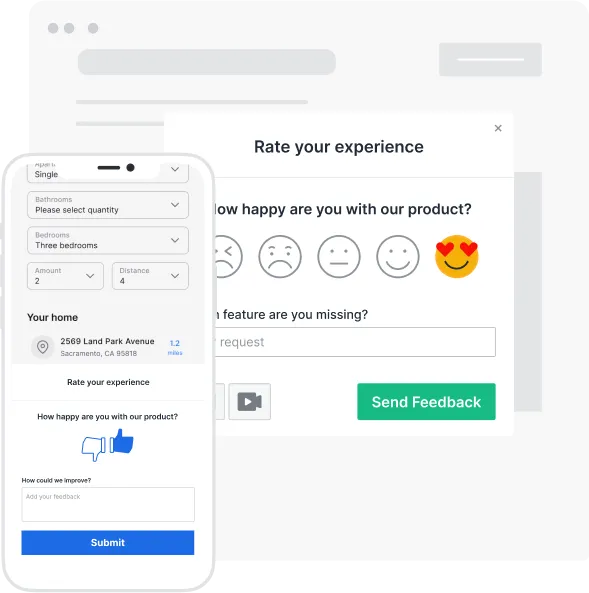
Launch CSAT, NPS, polls and thumbs up/down surveys by user events, URL paths or time on page. Follow up with qualitative questions to gain insights on how you can create a memorable customer experience.
Find out more about microsurveys ⟶

.webp)
Our new AI features help free teams’ time to focus more on strategic tasks in product development. They speed up the feedback process by summarizing feedback items for every project, identifying high-urgency issues and frequently requested topics, and optimizing response times with AI-generated replies.
Check our more details about our AI features ⟶.svg)


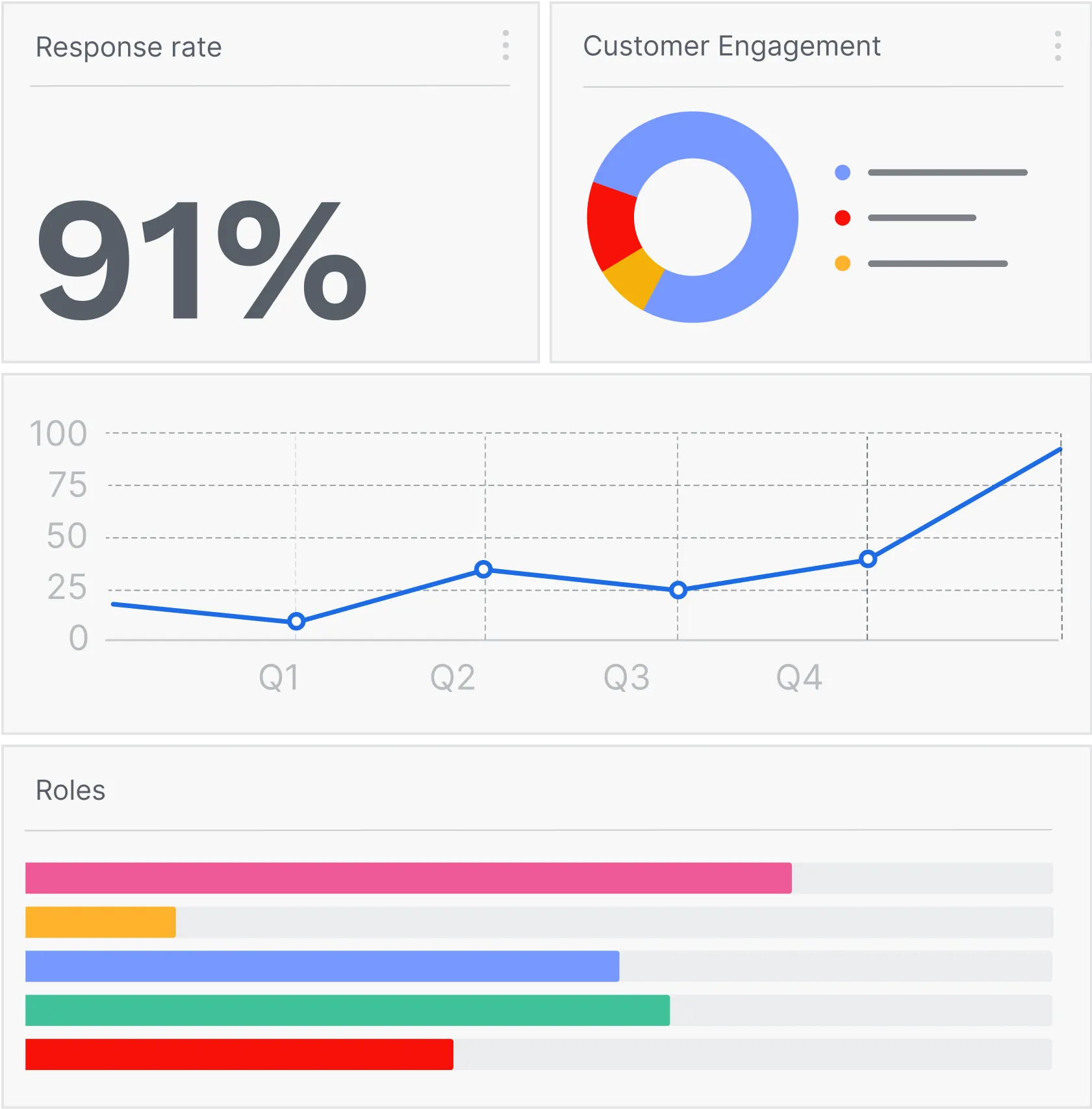
Analyze feedback trends to foster improvements and make wiser product decisions. Oversee all relevant feedback in one place with the inbox and triage faster with the split-screen view.
Or integrate with your project management tools ⟶

Let customers see and vote on their suggestions by publishing the feedback list. Keep customers in the know of your progress and growth. Use labels to sort and prioritize your roadmap.
Check our our feature request board ⟶


Place the code snippet to your HTML just once to start your feedback adventure. Or use our Wordpress plugin.

Each feedback project has its own notification setting for you to focus on the most relevant info.
Create spaces to organize your feedback projects for different sites and/or teams.
.svg)
Grant team members with different permission levels for your account, spaces, and projects.

Apply your brand’s colors, text fonts and logo to your feedback widgets and feedback reply emails to boost brand’s credibility.

The Chrome and Firefox browser extensions allow you to capture and send feedback or ideas on any web page.

Usersnap is cloud-based so you don't have to worry about installation & maintenance.
ISO 27001 and SOC-2 certified hosting centers.

We value data safety and fulfill a variety of security measurements. 256-bit SSL protected, 100% GDPR compliant.

All data of your projects and tickets can be exported. You are the magician of the show.

Our feedback collectors support multiple languages for you to speak in your users’ most familiar tongue.
.svg)
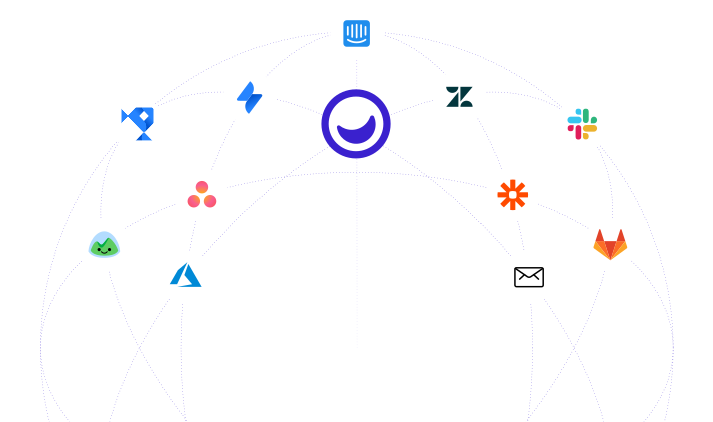
If you have an enterprise solution we don’t support, you can still connect Usersnap to your software using Webhooks.

Whenever there’s feedback, we have your back! No matter the volume of feedback tickets... you pay the same.

We are committed to WCAG 2.1 AA standards for these project types: NPS and quick issue reporting.

Self-service premium plan to fulfil enterprise solutions without the hassle of talking to a sales representative.

Implement native feedback forms to your mobile applications. Streamline insights and requests of all devices to one single place.

Try it for free